Welcome, Mailchimp

A new connector in beta: Mailchimp

Mailchimp is where a lot of small businesses and creators keep their mailing list. Our Mailchimp connector is out today in beta, and it’s on the Starter plan, our lowest paid tier.
Connect a Mailchimp account, pick an audience, and sync it with Airtable, Notion, Google Sheets, a database, or any of the other apps we support.
Keep your audience in sync
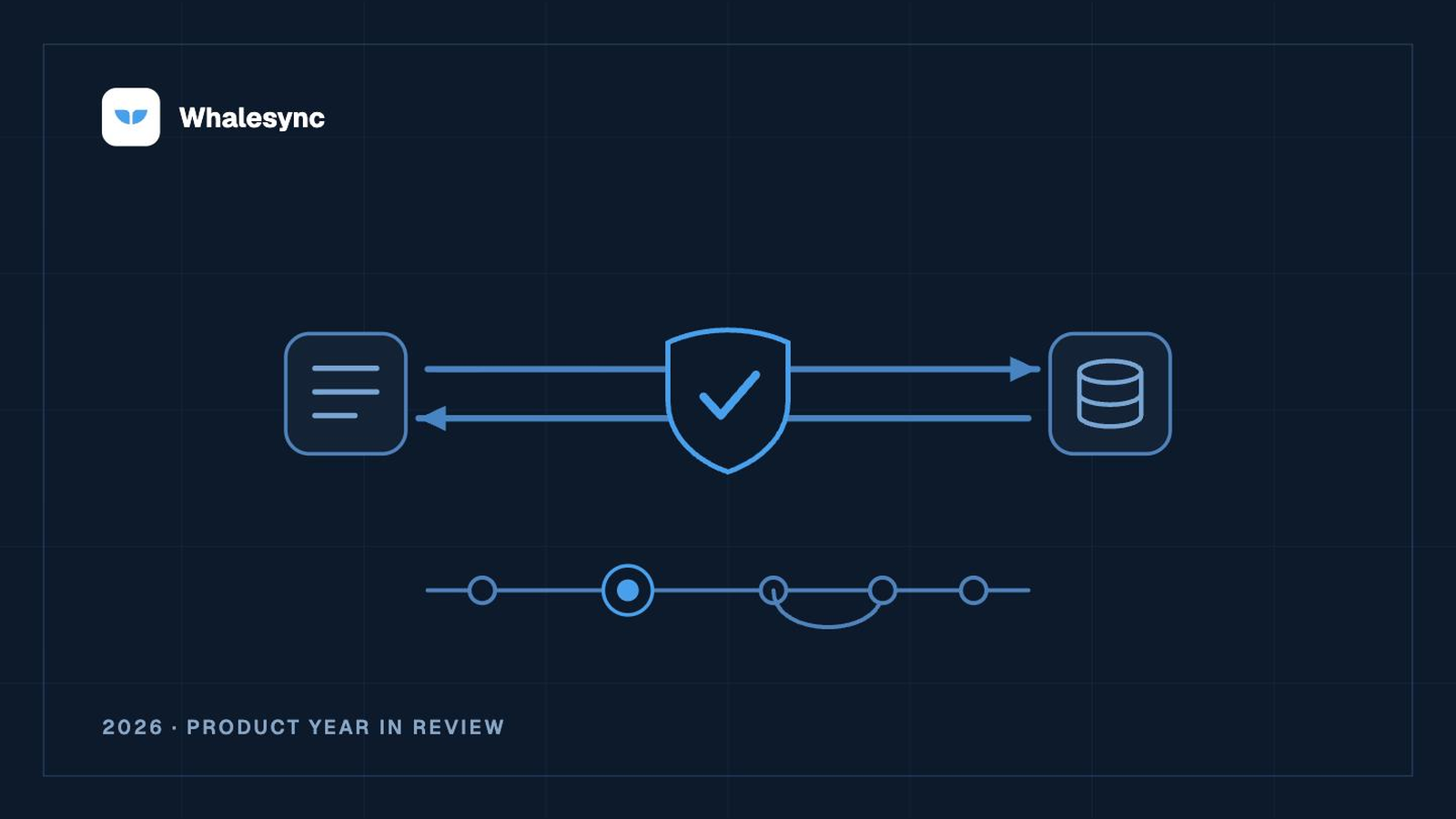
Contacts sync both ways, with their merge fields, groups, tags, VIP status, and GDPR consent. Add someone to your list in Airtable and they show up in Mailchimp. Update a contact in Mailchimp and the change comes back.
Report on campaigns, segments, and surveys
Campaign results come across with their opens, clicks, and rates. Saved segments come with their members, and survey responses come too. These are read-only, ready to chart in a spreadsheet or query in a database.
Safe by design
Whalesync never sends an email. A new contact is stored as transactional unless you sync a subscribed status, and deleting a record archives the contact instead of deleting it for good.
Getting started
Our Mailchimp connector docs cover every field and how it behaves. The connector is in beta, so if it’s missing something you need, reach out and tell us.
Subscribe for more
Stay up to date with the latest no-code data news, strategies, and insights sent straight to your inbox!